
Laptop
Open Fit Run in the laptop browser. The webcam tracks you while the game plays on that screen.
Fit Run
Fit Run is PlayFit Club’s motion-controlled runner. Play in your browser with a laptop webcam or phone camera—no console and no game download.
Gameplay
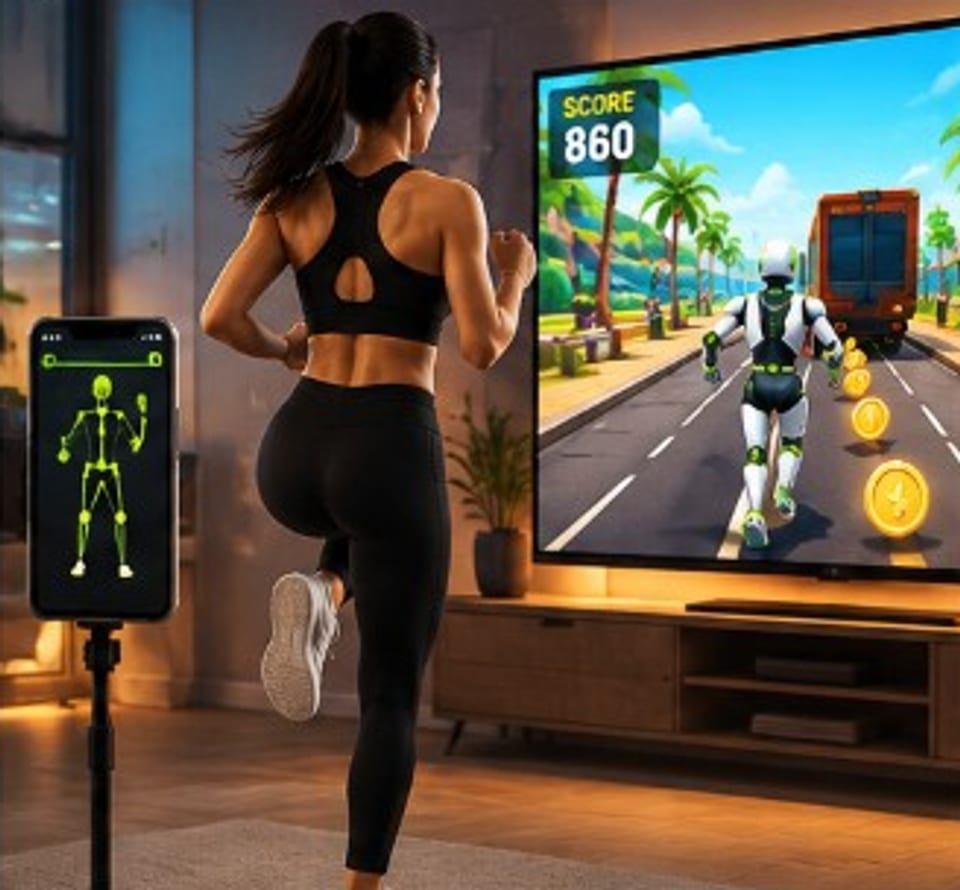
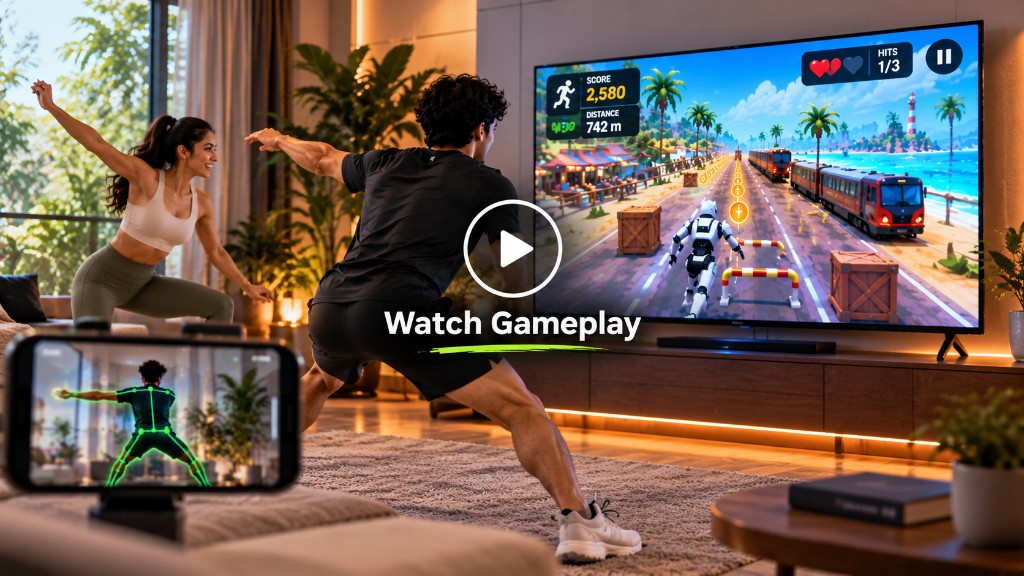
Fit Run puts you on a three-lane path through a procedural city. Obstacles appear ahead. You do not tap arrows or press a jump button—the camera on your play device estimates your pose and maps it to lane changes, jumps, and squats.
Jump height is an estimate for gameplay, not a measurement, and PlayFit Club does not give medical advice. Scores and personal bests apply to finished rounds for signed-in players.
Open Fit Run in the laptop browser. The webcam tracks you while the game plays on that screen.
Open Fit Run on your phone in portrait. The phone camera tracks you and the game stays on the phone.
Play on the phone, then mirror that screen with Smart View, Cast, Screen Mirroring, or HDMI. There is no separate TV browser game.
Ready to try it? Start from Play Demo, or read more about online running games and webcam games.
Questions
Fit Run is PlayFit Club’s playable 3D online running game. You play in the browser on a laptop or phone. Your camera tracks movement so steps, jumps, and squats control the runner.
No. Fit Run runs in the browser. There is no separate game installer. Open Play Demo, choose how you play, and allow the camera.
A laptop webcam or a phone front camera in a supported browser. Laptop play uses that webcam. Mobile Only plays on the phone. Phone + TV mirror keeps gameplay on the phone and copies the screen to a TV.
Fit Run is the game you can play today. Fit Fight and Fit Dance are coming soon and cannot be started yet.
PlayFit Club currently offers Fit Run. These pages explain how to play from different angles.