
Laptop webcam
Stand in front of the laptop, allow the camera, and play Fit Run on that screen.
Webcam games
Camera-controlled games on PlayFit Club start with Fit Run. Use a laptop webcam or phone camera so jumps, squats, and lane moves drive a 3D browser runner.
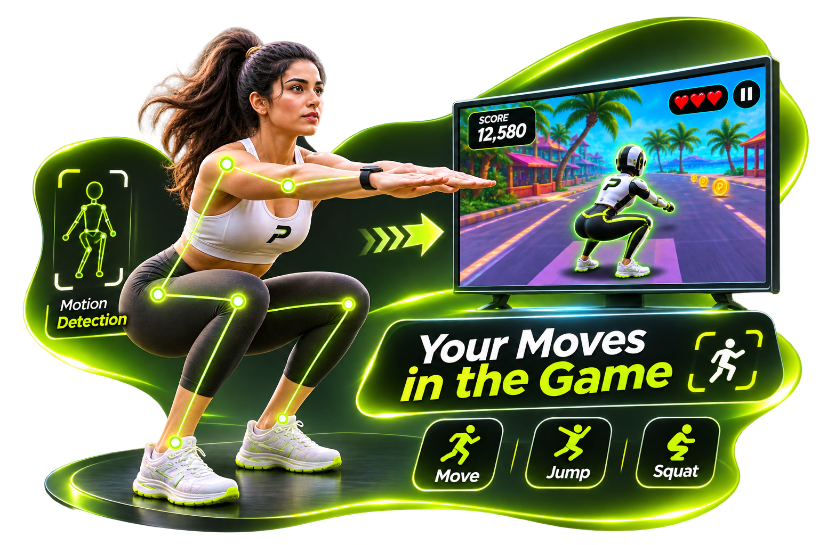
Motion controls
Webcam games online usually mean the camera watches you. On PlayFit Club, that feed stays local while the browser estimates pose for Fit Run. You get camera-controlled play and motion-controlled running in one title—not a directory of unrelated webcam toys.
Stand in front of the laptop, allow the camera, and play Fit Run on that screen.
Mobile Only uses the front camera in portrait. Mirror the phone if you want the same picture on a TV.
Pose runs on the device. Analytics measures page views and button clicks—not camera frames or landmark coordinates.
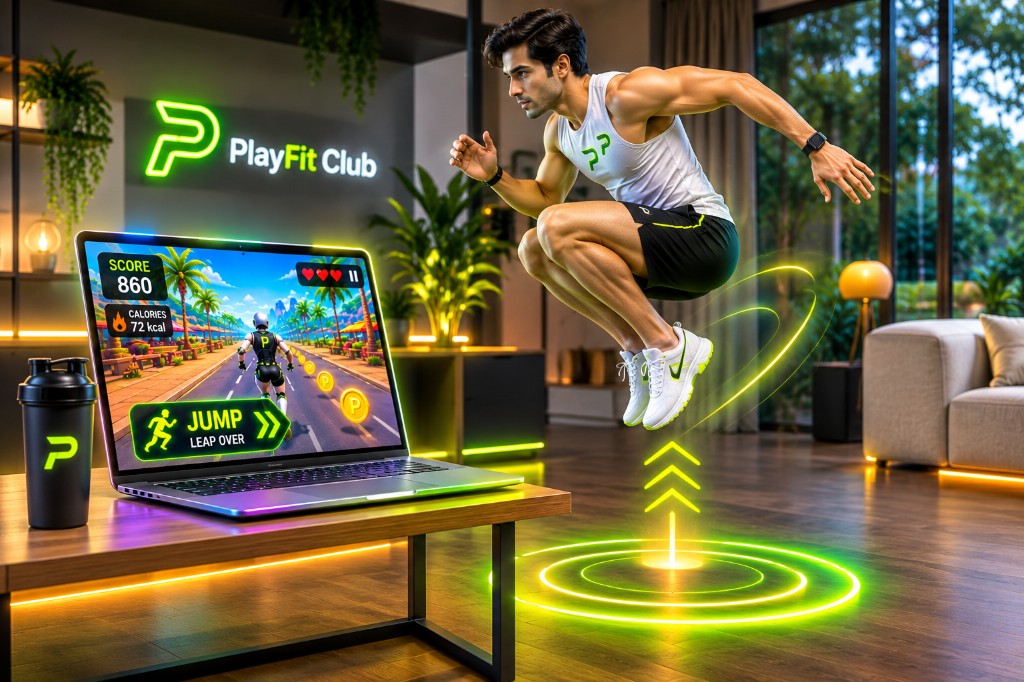
Continue to Fit Run for gameplay detail, or browser games if you care most about playing without a download.
Questions
Fit Run uses your laptop webcam or phone camera to estimate pose in the browser. Your movement controls the runner. Video frames stay on the device and are not uploaded for analytics.
No. There is no console accessory and no wearable required for Fit Run. A standard webcam or front camera is enough when lighting and framing are good.
Fit Run is both an interactive online game and a movement session. You can discover it as a webcam game or as a running game; the same Fit Run demo applies.
Allow camera permission, step back until head through knees fit, improve front lighting, and leave room to jump and squat. The game estimates pose—it does not measure jump height for medical use.
PlayFit Club currently offers Fit Run. These pages explain how to play from different angles.